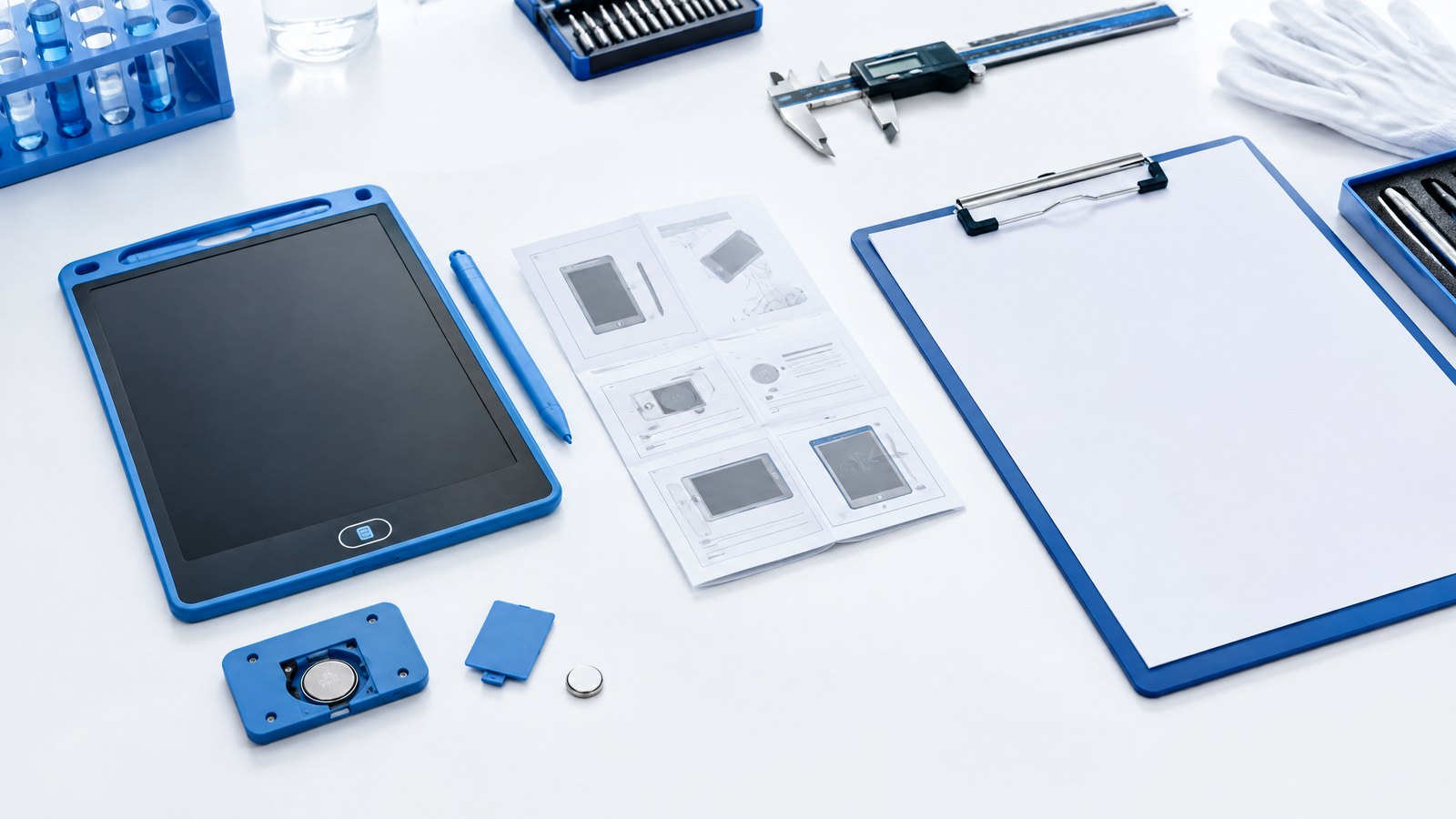

This guide provides a practical B2B decision framework. Final specifications, market obligations, testing scope, labels, packaging and shipment requirements must be confirmed for the exact finished SKU and destination.
Introduction
Direct answer: An LCD writing tablet manual should explain the exact approved model in simple first-use language: what is in the package, how to write, how erase and lock work, how to store the stylus, and which battery or charging instructions apply. The manual, product page, box, and support script should use the same model, images, functions, and market-specific information.
Instructions are a product-control document, not an afterthought. A lock control can be mistaken for storage; a protective film can be misunderstood as a product fault; a missing stylus can be handled as a defect rather than a pack issue. Clear instructions reduce these avoidable problems without making unsupported claims.
1. Build the manual from the approved sample
Direct answer: Do not write from a generic catalog image. Use the final production-intent sample, current SKU record, and approved packaging to identify controls, accessories, dimensions, and first-use steps.
Confirm the final product name, model/SKU, screen type, stylus, erase control, lock switch, power arrangement, included accessories, package contents, intended user, warnings, and support route. If markets differ by language, label, battery arrangement, or accessories, control each manual revision separately.
2. A first-use sequence customers can follow
Use clear illustrations and short steps:
- Remove the tablet, stylus, and listed accessories from the package.
- Remove only approved protective materials, if fitted.
- Write on the active area with the supplied stylus.
- Check the lock position before pressing erase.
- Store the stylus in the intended holder, slot, or pouch.
- Follow model-specific battery or charging instructions only.
- Contact the stated support channel with the product reference if help is needed.
Explain what the lock does in factual language: it controls or prevents the erase action while engaged on applicable models. It does not store, sync, or transmit writing unless the exact product explicitly provides those functions.
3. Battery and market instructions require model-specific review
For a replaceable battery or rechargeable model, instructions must match the final design. Do not copy a battery type, charging procedure, warning, or image from another board. Products using button or coin cells may have specific requirements for the final product, packaging, and instructions; the CPSC business guidance is a useful U.S. starting point.
The buyer remains responsible for confirming market-specific obligations with appropriate qualified partners. A manual should never imply a compliance result that has not been established for the actual SKU.
Mid-article CTA
Need a clear manual and insert brief for a private-label LCD writing tablet? Send your requirements with the model, market, language, accessories, power arrangement, pack, and quantity. We can help identify which product facts need approval before artwork release.
4. Connect instructions to factory testing and inspection
Factory testing should confirm that the product controls described in the manual exist and operate on the production SKU. Shipment inspection should verify the correct instruction revision, language, pack contents, labels, and carton details alongside product function. The golden-sample guide shows how the complete product and pack can become a controlled reference.
If the factory changes a button position, battery cover, stylus, accessory, pack content, or label, review whether the manual and listing need revision before shipment.
FAQ
What should an LCD writing tablet manual include?
Include the exact model, package contents, basic operation, lock/erase explanation, stylus storage, model-specific power instructions, support route, and current market information.
Does an erase lock save writing?
No. It generally controls the erase action. It is not digital storage unless the product specification includes a separate storage function.
When should manual artwork be approved?
After product controls, accessories, packaging, labels, target market, and required language are confirmed for the production-intent SKU.
What should be checked before shipment?
Check product operation, correct manual/insert revision, accessories, labels, packaging, and cartons against the approved reference.
Conclusion
Clear instructions turn an LCD writing tablet into an easier product to use and support. Build the manual from the approved SKU, use a short first-use sequence, keep power and market information model-specific, and carry the correct revision through factory testing and shipment inspection.
Final CTA
Contact us for an LCD writing tablet manual and packaging-insert brief. Include the model, market, languages, pack contents, power arrangement, and target quantity.
Turn this sourcing plan into a product brief.
Share your target market, product requirements, packaging preference and estimated volume for a practical OEM / ODM discussion.