This guide provides a practical B2B decision framework. Final specifications, market obligations, testing scope, labels, packaging and shipment requirements must be confirmed for the exact finished SKU and destination.
Introduction
Schools and learning programs often need writing activities that are reusable, easy to distribute, quiet, and simple to reset. Paper worksheets support many tasks, but repeated handwriting practice can create printing, storage, and cleanup demands. Dry-erase boards are reusable, yet they require markers, erasers, and a surface that may stain or dry out. An LCD writing tablet offers another option: a pressure-sensitive writing surface that can be cleared with a button and used again.
The practical question is not whether an LCD writing tablet can replace every worksheet or notebook. It cannot. The better question is where it fits. These tablets can work well for short handwriting repetitions, letter and number tracing, math demonstrations, drawing prompts, quiet-time activities, travel learning, and quick teacher feedback. They are less suitable when a lesson requires permanent written work, handwriting analysis stored digitally, multi-page composition, or a full learning-management workflow.
This guide helps schools, distributors, teachers, homeschool programs, occupational-therapy providers, and educational-toy brands evaluate classroom use. It covers learning tasks, screen size, transparent tracing, battery and erase-lock features, classroom preparation, cleaning, inspection, and bulk-order planning.
The short answer: are LCD writing tablets good for handwriting practice?
LCD writing tablets can be useful for short, repeatable handwriting and drawing activities because they are lightweight, quiet, reusable, and quick to clear. They are best used as practice surfaces rather than as digital notebooks: most basic models do not store, print, transmit, or grade a child’s writing. Classroom buyers should select the size, visibility, tracing method, battery design, and accessories around the lesson—not around the word “tablet” alone.
1. Match the tablet to the learning task
Letter formation and pre-writing
Young learners can use an LCD writing tablet to practice strokes, curves, circles, simple shapes, and letter forms. The advantage is the ability to repeat the attempt without using a new sheet of paper each time. The teacher can provide a model card or write an example on a board, then ask students to copy and clear the tablet for another attempt.
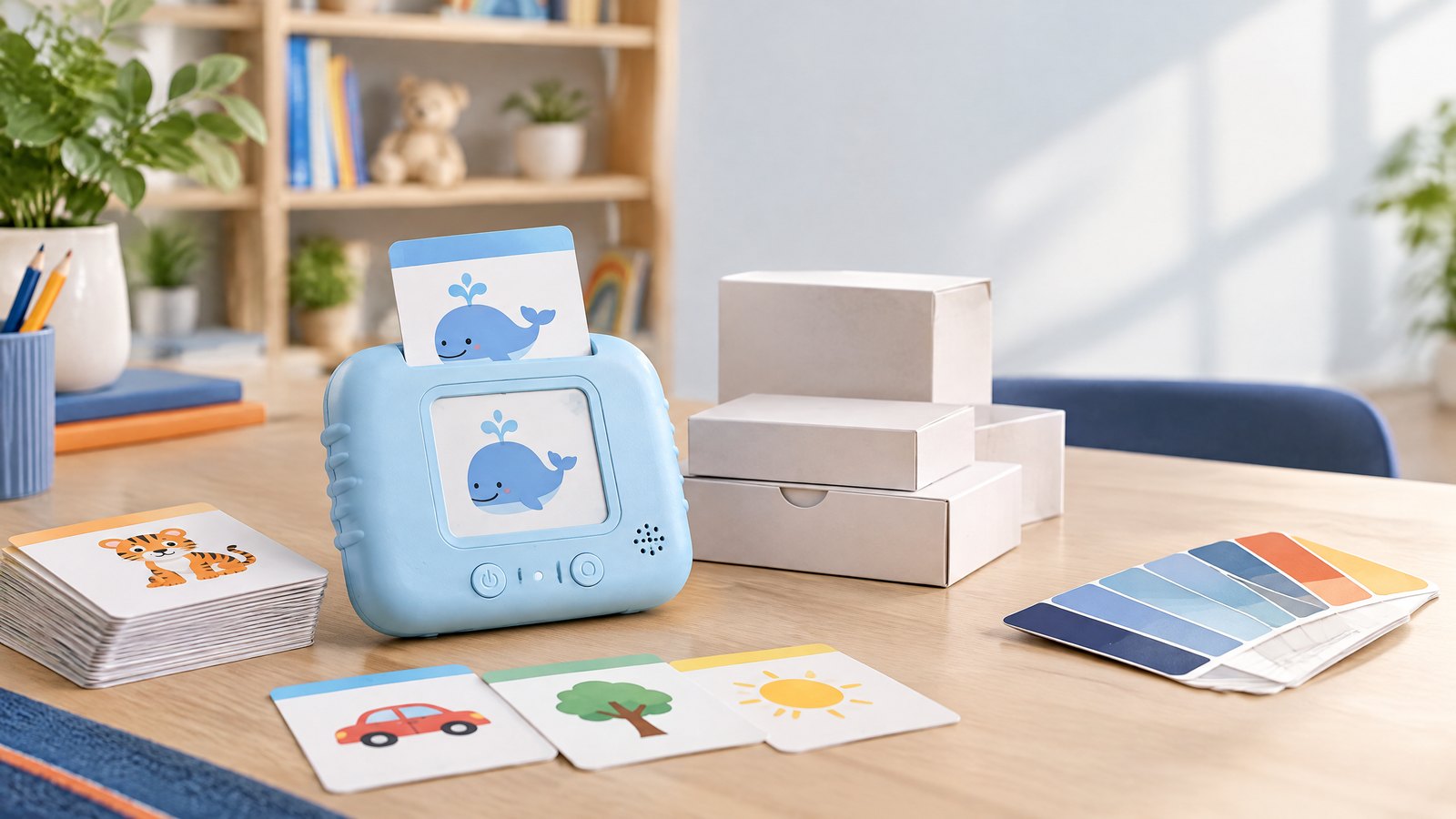
The tablet does not automatically tell a child whether the letter is correctly formed. The learning value comes from the activity design: a visible model, a clear instruction, a short practice cycle, and teacher or adult feedback. A transparent model can support tracing when a printed alphabet, number, or animal card is placed beneath the writing surface, provided the product is designed and tested for that use.
Numbers and early mathematics
Writing tablets can support number formation, counting marks, simple equations, shape drawing, and quick answer boards. In a small-group lesson, a teacher can ask each child to write an answer and hold the tablet up without distributing a worksheet. A larger 10- or 12-inch surface gives more room for equations, diagrams, and geometric shapes.
For more advanced math, the erase function can be useful for working through several attempts, but the absence of a permanent record is a limitation. If the lesson requires students to show their working for assessment, use the LCD tablet as a warm-up or feedback tool and keep the final answer on paper or in the school’s approved digital system.
Drawing and visual thinking
Drawing is a natural application because students can sketch, erase, and try again without wet ink or marker residue. Prompts can include “draw a shape with three sides,” “complete the animal,” “show the weather,” or “draw a map from home to school.” These activities can be useful in early learning, language development, science, and classroom games.
Quiet activities and transitions
An LCD writing tablet can fit into arrival activities, waiting time, travel between rooms, quiet corners, and early-finisher stations. The lack of paper and marker caps can simplify setup. For a classroom deployment, however, the teacher should still establish rules for stylus use, sharing, storage, and battery access.
2. Choose the right screen size for the classroom
Size affects writing comfort, visibility, storage, packaging, shipping, and price. A bigger screen is not automatically better for every class.
| Format | Typical classroom role | Strengths | Trade-offs |
|---|---|---|---|
| 4.4–4.5 inch | Travel, small-group prompts, portable activity | Compact and easy to carry | Limited space for handwriting and diagrams |
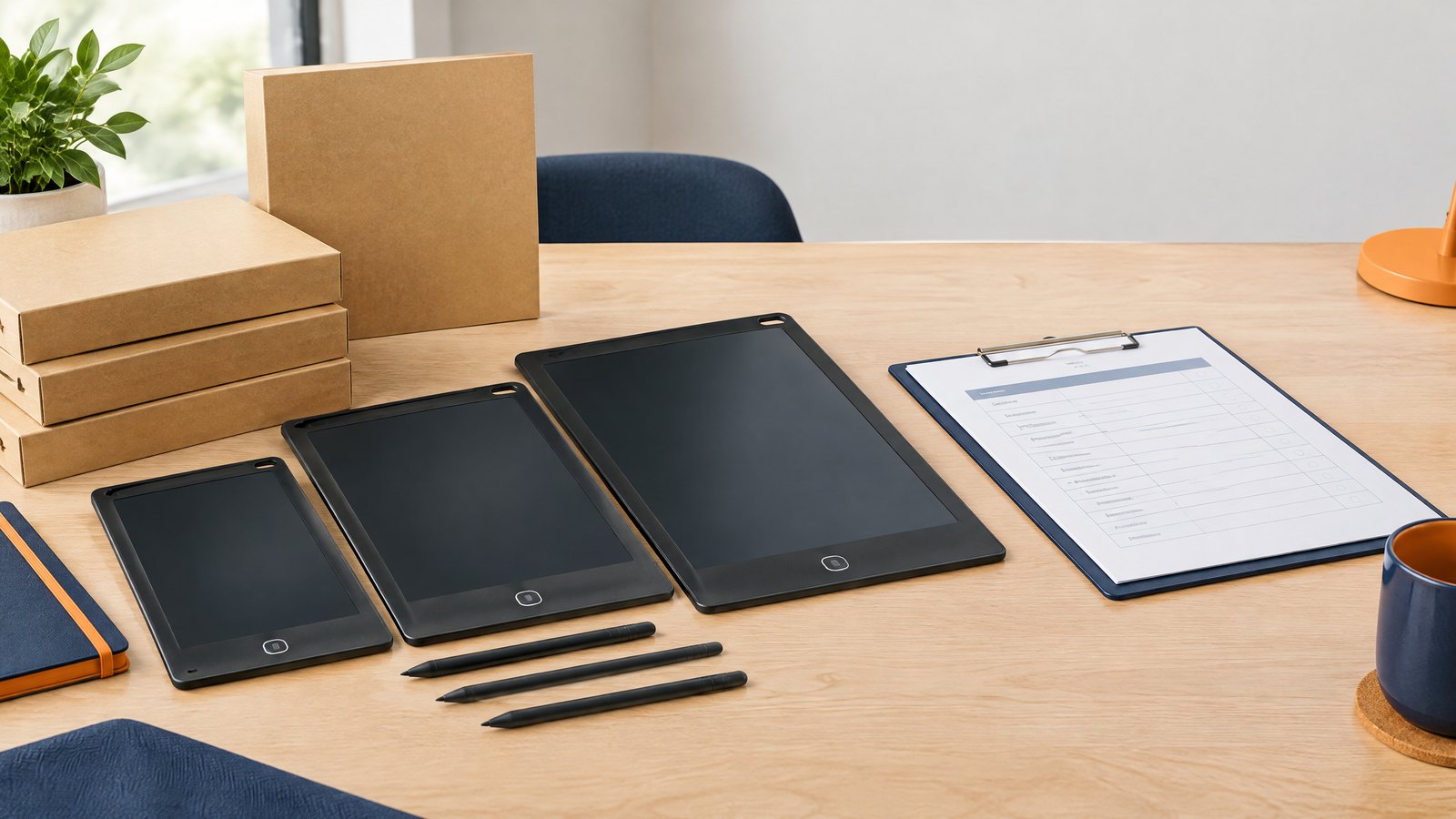
| 8.5 inch | Early learning, drawing, individual practice | Portable, familiar, and easy to store | Less space for long words or math layouts |
| 10–10.5 inch | General classroom and primary-school use | Good balance of writing area and portability | Higher carton and shelf footprint than 8.5 inch |
| 11–12 inch | Older students, math, STEM, visual demonstrations | More room for equations, drafting, and diagrams | More storage space and potentially higher shipping cost |
For a classroom set, measure the storage location and the desk space before ordering. If students use the tablets in pairs, consider whether the selected surface is large enough for both users without making the device difficult to handle.
3. Consider transparent tracing when the lesson needs a physical model
Transparent LCD writing tablets can support tracing exercises when a learning card or printed guide is placed underneath. This can be useful for alphabet shapes, numbers, animals, basic geometry, and visual vocabulary. The buyer should confirm that the screen transparency, card slot, and included learning cards match the intended use.
During sample review, test:
- whether the card remains flat and aligned;
- whether the writing surface is easy to see over the printed model;
- whether the stylus can move without catching on a slot or edge;
- whether children can insert and remove the card without damaging it;
- whether the tablet is still comfortable when used without a card;
- whether the package includes the correct card size and language.
The KidTrace product page can be used as a starting point for discussing a transparent format, but schools and distributors should approve the exact sample and card set before a classroom purchase.
4. Select features that solve classroom problems
Erase lock
An erase lock can prevent accidental clearing while a student is showing an answer or while tablets are being carried between rooms. If the model includes a lock, make sure the teacher and students understand the operation. A feature that is not clearly labeled can create support questions rather than reducing them.
Durable frame or silicone bumper
Classroom products are handled repeatedly and may be placed in bags, stacked, or dropped from desk height. A silicone bumper or reinforced frame may help with normal handling, but it should not be described as indestructible. Buyers should request the supplier’s test method and confirm the exact configuration.
Stylus retention
A stylus holder, magnetic clip, loop, or tether can reduce missing accessories. In a class set, count the stylus as part of the operating system rather than as a decorative extra. During a pilot, record how often styluses are misplaced and whether the storage method works for the age group.
Rechargeable power
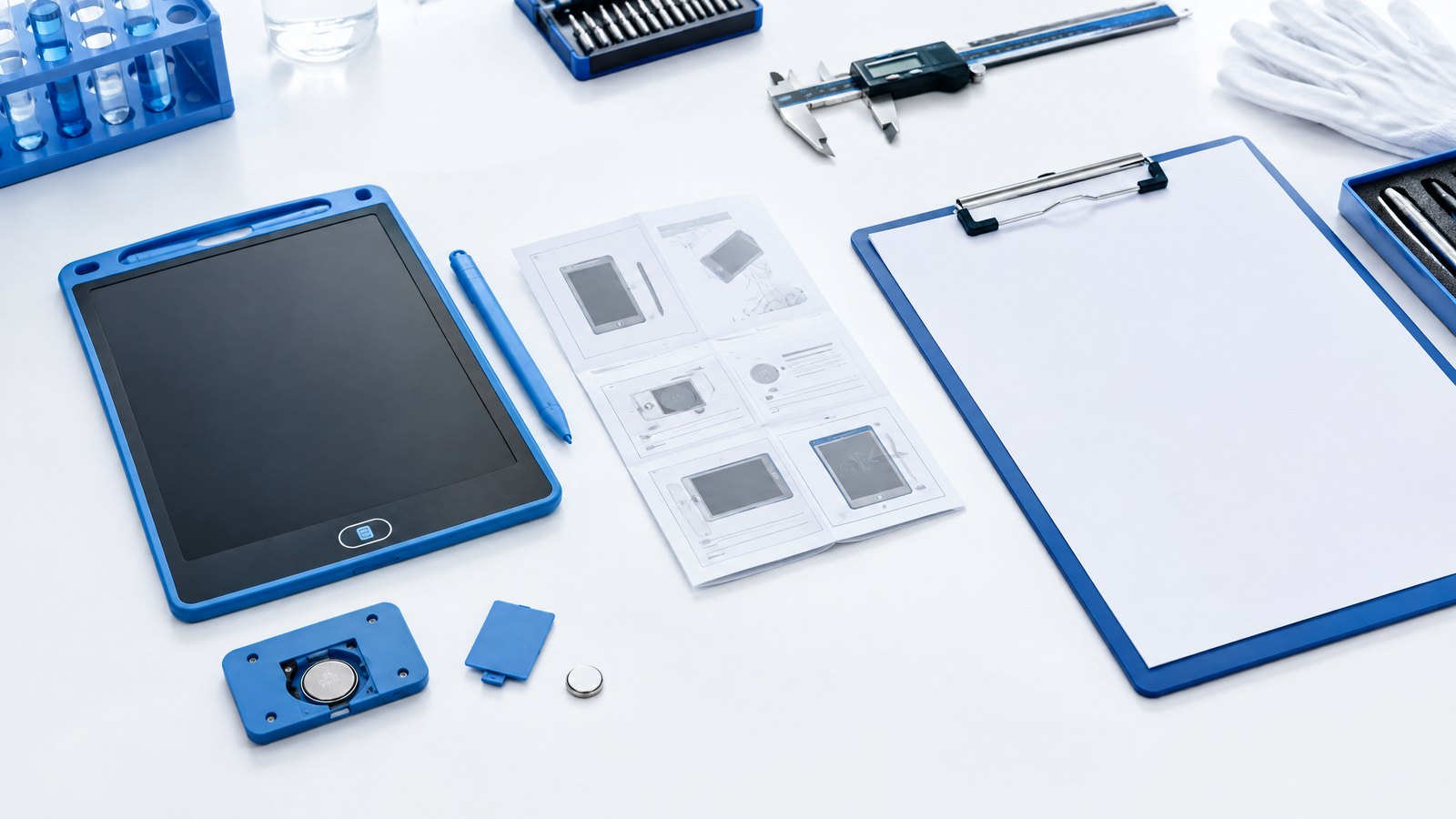
Type-C rechargeable models may suit programs that prefer a centralized charging routine and fewer disposable coin cells. They introduce their own preparation needs: charging cables, charging schedules, storage, port inspection, and battery documentation. A school should decide who charges the devices and how a non-charging tablet is identified before choosing the format.
Split writing zones
A split-screen tablet can support two-player activities, a question-and-answer layout, a draft-and-answer exercise, or a teacher demonstration. It is more specialized than a single writing surface, so the lesson plan should justify the feature before it is added to a product range.
5. Classroom preparation before deployment
Prepare the lesson routine
An LCD writing tablet works best when the activity is short and predictable. A simple routine is:
- distribute the tablet and stylus;
- show the task or place a tracing card;
- allow a defined practice period;
- ask students to display or discuss the result;
- clear the tablet together;
- return the tablet and stylus to a named storage location.
This routine reduces lost accessories and makes it easier to identify a unit that has a functional problem.
Prepare storage and labeling
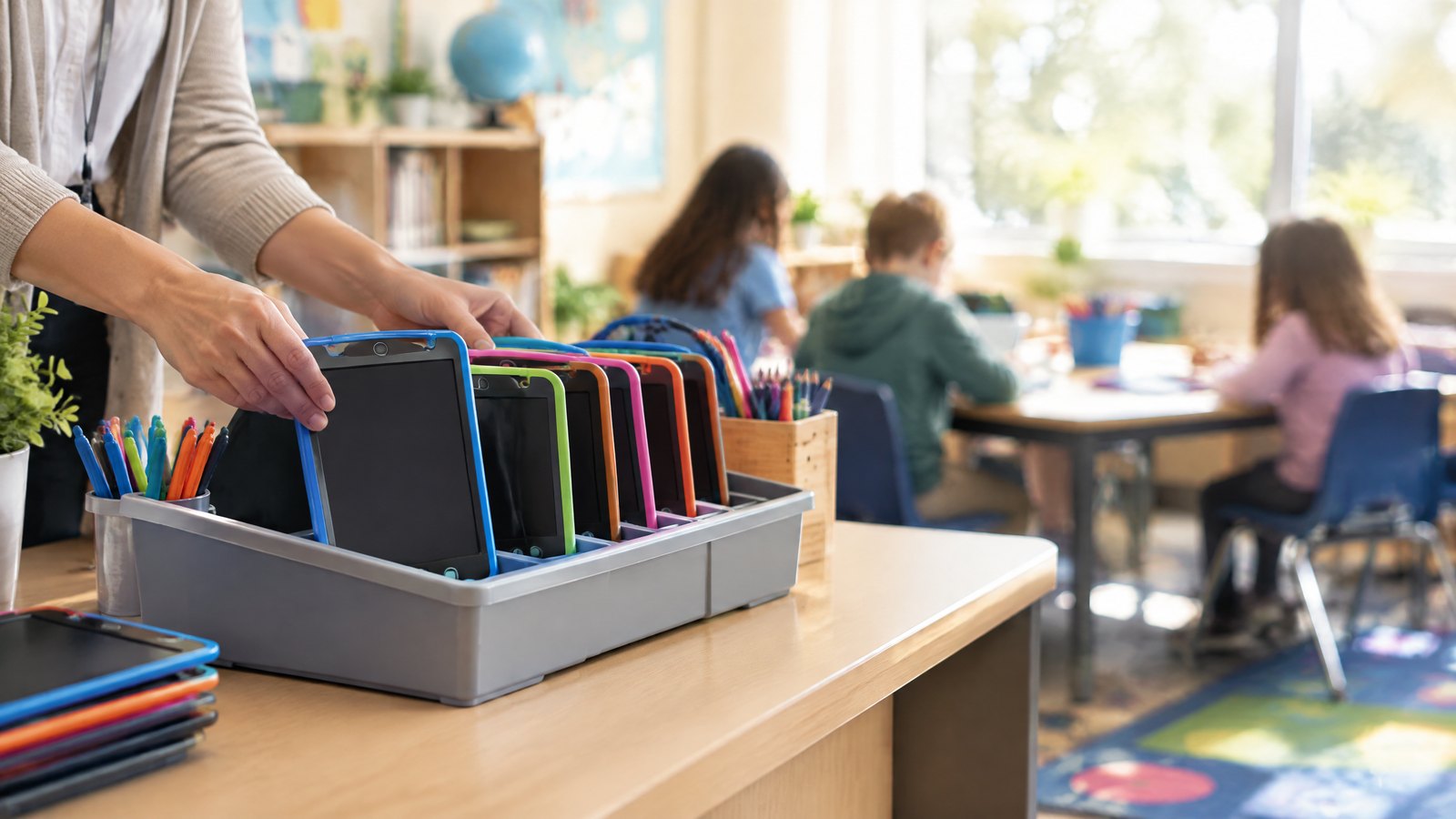
Number the tablets, storage slots, or class sets. A simple label can connect a tablet to a group without putting personal student information on the device. Store styluses with the correct tablets where possible. If the product is used by multiple classes, maintain a small sign-out or count sheet.
Prepare charging or battery procedures
For rechargeable models, define when devices are charged and who checks the charging indicator. For coin-cell models, restrict battery access to responsible adults and maintain a replacement procedure. Do not allow students to open battery compartments unless the product instructions and school policy specifically support that activity.
Prepare cleaning and handling guidance
Use the manufacturer’s approved cleaning instructions. Avoid applying liquid directly to the writing surface or forcing a stylus into a slot. Teachers should inspect screens and frames during routine collection and report cracks, loose covers, damaged buttons, or missing accessories before the next lesson.
6. How buyers should evaluate a classroom sample
Before ordering a class set, run a small pilot with the actual age group and lesson type. The pilot should evaluate more than whether the tablet looks attractive.
Student usability
Can a student hold the tablet comfortably? Can the child see the writing from the normal desk position? Is the stylus easy to control? Can the child clear the screen without adult help? Does the product invite writing practice or create confusion about whether it stores work?
Teacher workflow
Can the teacher distribute, collect, count, and reset the tablets in a reasonable time? Are the instructions clear? Can the teacher identify a low-battery or non-erasing unit quickly? Does the product fit the existing storage and lesson rhythm?
Learning suitability
Does the tablet support the intended task? For tracing, is the model visible and aligned? For handwriting, is the surface large enough? For math, is there enough space for equations? For drawing, does the writing contrast work under the classroom lighting?
Durability and maintenance
After repeated classroom use, inspect buttons, frames, stylus holders, and battery covers. Record the type and frequency of problems. A pilot gives a more useful view of product fit than a single showroom demonstration.
7. Plan a school or distributor order
The quantity decision should include more than the number of students. Consider:
- one tablet per student or one per pair;
- spare units for damaged or missing devices;
- teacher demonstration units;
- replacement styluses and batteries if applicable;
- storage trays, bags, or classroom sets;
- language versions for manuals and packaging;
- delivery schedule by school, district, or distributor warehouse;
- reorder timing before the next term.
For a first order, a school-supply distributor may prefer a proven 8.5-, 10-, or 12-inch format with a standardized package. A brand may also ask for a custom logo, class-set packaging, or learning-card bundle. These changes should be described in the RFQ because they affect sample approval and production timing.
The current product range presents multiple architectures, including the 12-inch SlatePro format for larger writing activities, the 9-inch transparent KidTrace format, and a Type-C rechargeable EcoTab option. The appropriate choice depends on the lesson and operating model, not simply on the largest screen or newest battery.
8. What an LCD writing tablet cannot replace
Clear positioning builds trust. A basic LCD writing tablet is usually not a connected tablet computer, handwriting-recognition device, or digital notebook. It may not save work after the screen is cleared. It may not connect to a classroom platform, export handwriting, or provide teacher analytics.
It also should not replace paper when the learning objective requires a permanent writing sample, formal assessment, fine-grained handwriting analysis, or long-form composition. Use it as one tool in a broader learning program. This honest explanation helps buyers choose the correct use case and reduces disappointment after purchase.
Frequently asked questions
Are LCD writing tablets suitable for kindergarten classrooms?
They can be suitable for short drawing, pre-writing, letter, number, and tracing activities when the selected model is appropriate for the age group and the classroom has clear rules for stylus and battery handling. The school should pilot the device before purchasing a large set.
Can students trace letters on an LCD writing tablet?
They can if the product is designed for tracing or if a suitable model allows a printed card to be positioned under a transparent writing surface. Test card alignment, visibility, and durability with the actual learning materials before deployment.
Are LCD writing tablets better than paper for handwriting practice?
Neither is universally better. LCD tablets are useful for repeatable, low-mess practice and quick activities. Paper is better when the teacher needs a permanent record, detailed annotation, or assessment evidence. A blended approach is often more practical.
Do LCD writing tablets save student work?
Basic LCD writing tablets generally function as reusable writing surfaces and may not store or transmit content. Confirm the exact model before promising storage, connectivity, or handwriting recognition.
How many tablets should a classroom buy?
The answer depends on student count, pair-work design, spare-unit policy, teacher demonstrations, and budget. Decide whether the lesson needs one per student or one per pair, then add a practical number of spares and accessories.
What safety information should a school request?
Request the product instructions, age position, battery information, warnings, and model-specific test or compliance documents relevant to the destination market. For products using button or coin batteries, review the applicable requirements with a qualified compliance partner and consult official CPSC guidance for US sales.
Conclusion
LCD writing tablets can be a useful classroom tool when their role is defined clearly. They support repeatable handwriting, tracing, drawing, math warm-ups, quick answer activities, and quiet learning tasks. Their main strengths are reusability, simple reset, low mess, portability, and the ability to give every student a small writing surface.
Their limitations are equally important: basic models may not store work, connect to software, or replace permanent written records. The best school deployments select the size and feature set around the lesson, pilot the actual product with students and teachers, prepare storage and battery procedures, inspect the shipment against an approved sample, and plan for spares and replenishment.
For education brands and school suppliers, the goal is not to sell a generic “kids tablet.” It is to specify a classroom-ready writing tool with a clear purpose, appropriate packaging, understandable instructions, and a repeatable supply plan.
CTA
Looking for a classroom-ready LCD writing tablet or learning-program bundle? Send your requirements with your student age range, preferred screen size, lesson use case, target quantity, battery preference, and packaging language. The factory team can help compare suitable formats and prepare a sample plan.
Turn this sourcing plan into a product brief.
Share your target market, product requirements, packaging preference and estimated volume for a practical OEM / ODM discussion.