This guide provides a practical B2B decision framework. Final specifications, market obligations, testing scope, labels, packaging and shipment requirements must be confirmed for the exact finished SKU and destination.
Introduction
Direct answer: Choose LCD writing tablet accessories by the real user task and verify them as a complete set. A stylus, card, pouch, stand, sticker, cable, or insert can improve the product application, but it can also change fit, packaging, freight, market information, factory testing, and after-sales support. Approve the final bundle together rather than approving a tablet and accessories separately.
An accessory is not automatically added value. A tracing card that shifts under the screen can frustrate a learner. A pouch that does not fit the final bumper can cause returns. A stand that hides an erase lock can make a counter-sign program unreliable. A spare stylus is useful only if it works with the selected panel and can be identified by the support team.
For OEM and wholesale buyers, the first question is simple: what job does the accessory help the user do? The answer determines which components are essential, optional, or unnecessary.
1. Start with the product application
Direct answer: Write a one-sentence application before selecting the bundle. Then assess every accessory against that task, the target user, pack route, and intended sales channel.
Examples:
- A travel activity set may need a compact pouch, stylus retention, and simple drawing cards.
- A classroom tracing program may need controlled card dimensions, clear instructions, and an asset-storage method.
- A reception counter sign may need a stable tabletop stand and a visible stylus location.
- A retail gift set may need a presentation insert, accurate pack-contents photo, and carton protection.
The transparent tracing guide explores the particular visibility and card-fit checks needed for tracing products. Do not assume every tablet supports cards in the same way.
2. Specify the stylus first
The LCD writing tablet stylus is both a functional part and a likely after-sales item. Define its shape, length, tip, material, color, retention method, included quantity, and compatibility with the selected writing surface. Test the final stylus on the approved tablet under normal use.
Questions for the stylus specification
- Does it fit a slot, loop, magnetic holder, tether, or pouch?
- Can the target user remove and return it comfortably?
- Does it interfere with the pack or stand?
- Does a different stylus create a different writing feel?
- Is a spare stylus included, sold separately, or held in service stock?
- How will the customer identify the correct replacement?
Avoid claiming that any pen or stylus will work unless the final product has been tested that way. Keep replacement instructions model-specific; see the after-sales guide for support planning.
3. Design cards and inserts as physical components
Direct answer: Cards, worksheets, and inserts require their own dimensions, thickness, print, language, revision, and fit test. Treat them as product components, not just artwork.
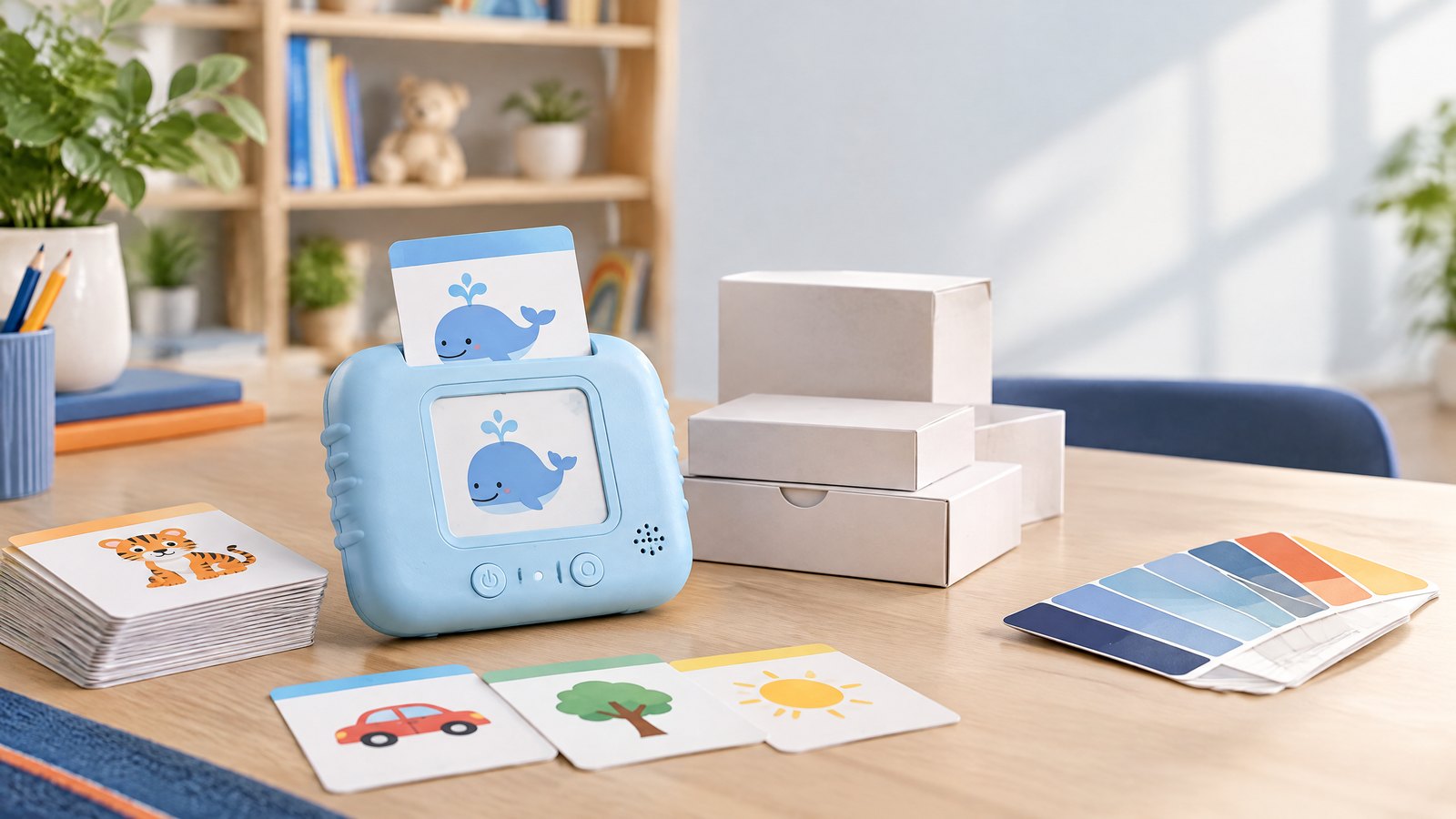
For LCD writing tablet tracing cards, define the visible area, card length/width, corner radius, material, thickness, surface finish, language, level sequence, and storage arrangement. Test each approved card with the final tablet, frame, slot, or transparent area. Check that a child or staff member can place it correctly and that it stays in position during normal use.
For gift inserts or instruction cards, verify the same details: color, language, content, pack placement, and whether they can move or crease during shipment. If the product is sold in more than one market, give each language and artwork revision a clear identifier.
4. Evaluate pouches, stands, and protective components
LCD writing tablet pouch
An LCD writing tablet pouch can make a travel or gift program feel complete, but it must fit the finished product, including bumper, stylus, and cards if those are included. Check opening/closing method, seam strength, color transfer, odor, padding, logo placement, and carton impact. A pouch can protect the unit in ordinary carrying, but avoid unsupported claims such as waterproof or drop-proof unless validated for the final design.
LCD writing tablet stand
An LCD writing tablet stand should be sampled with the actual board and intended desk/counter. Test angle, stability, stylus storage, access to erase/lock controls, ease of removal, and pack protection. Include the stand in factory testing and shipment inspection; it is not a decorative detail when it supports the product application.
Gift components
Gift components can include stickers, templates, activity cards, presentation insert, sleeve, pouch, spare stylus, or message card. List every item in the purchase order and product page. A retail pack should show only accessories that are actually included in that SKU.
Mid-article CTA
Building an LCD writing tablet bundle? Send your requirements with the tablet size, user application, desired accessories, target market, pack format, and quantity. We can help structure a complete sample checklist rather than a tablet-only quote.
5. Approve the full bundle, not individual parts
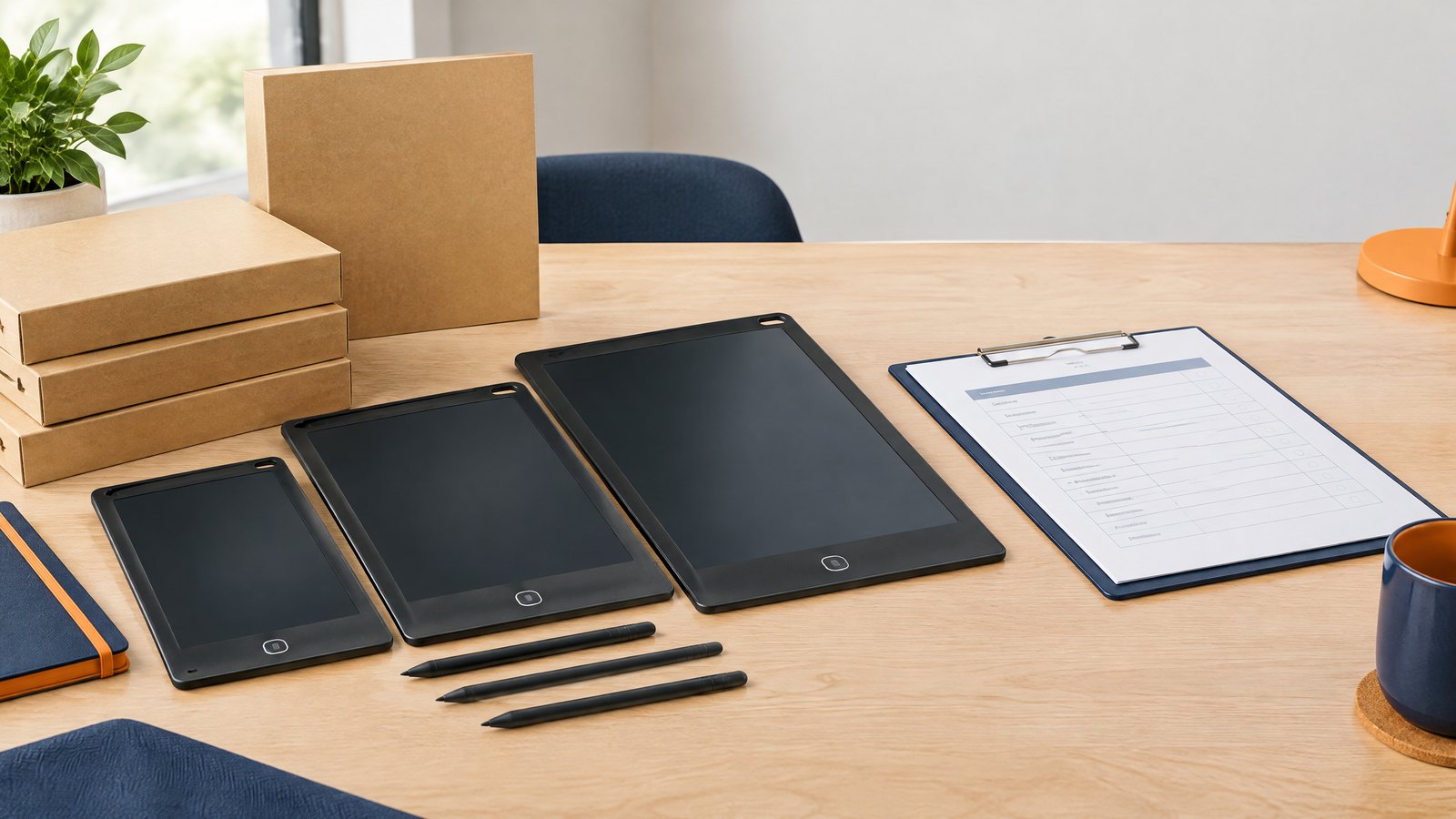
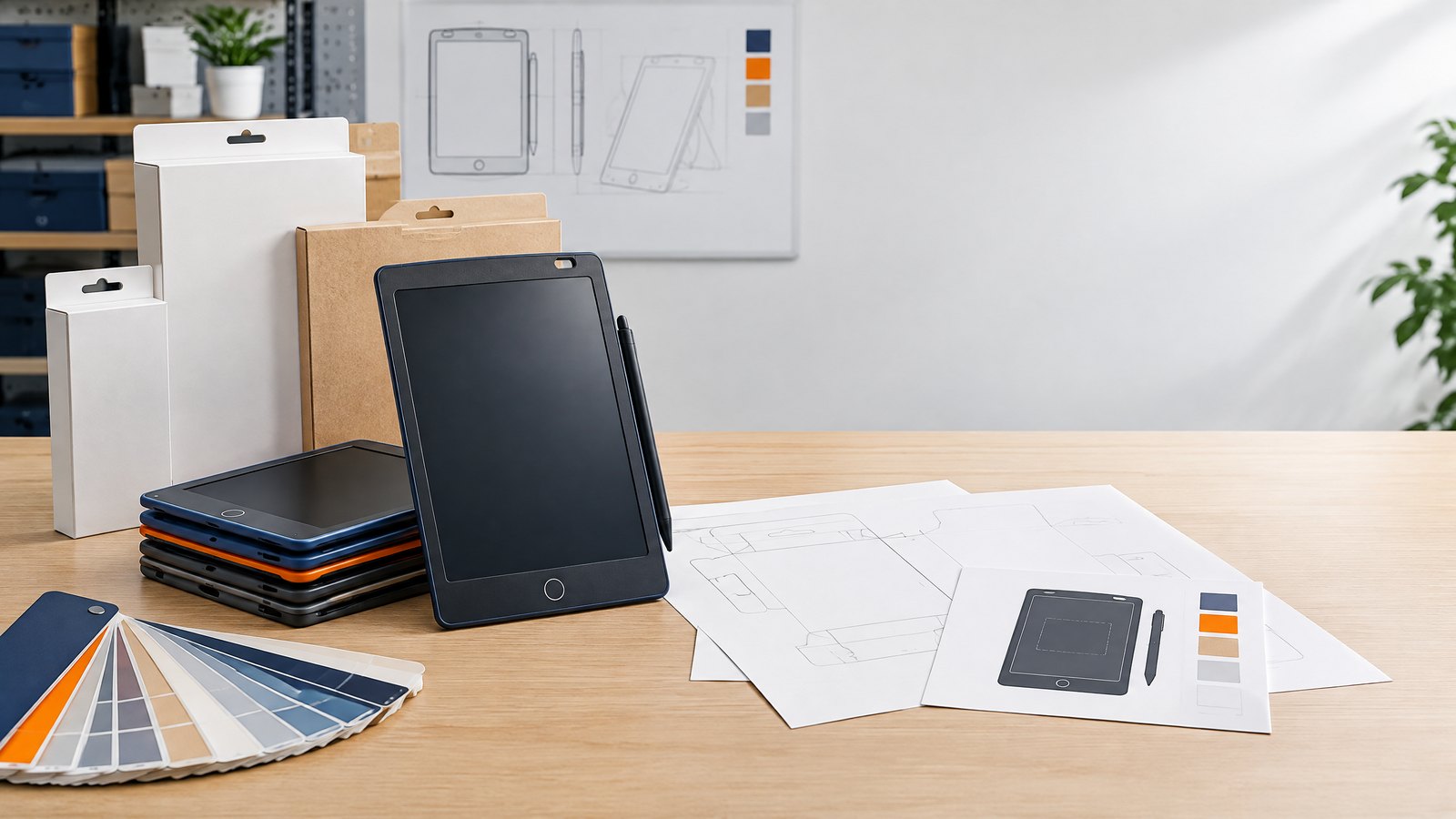
During sample approval, photograph and test the complete intended package. Confirm tablet, stylus, cards, pouch, stand, inserts, labels, and retail box together. This reveals problems that are invisible when each part is evaluated alone: a pouch that will not close around the stylus, a card that does not slide into the tray, a stand that damages the screen film, or a gift insert that exceeds box depth.
Use an accessory checklist that covers:
- exact part name, SKU, color, material, and quantity;
- compatibility with the approved tablet revision;
- pack placement and protective material;
- label and instruction references;
- product-page photo and pack-contents requirements;
- factory-testing checks;
- shipment-inspection count and cosmetic checks;
- spare-part and replacement plan.
6. Add accessories to factory testing and shipment inspection
Factory testing should include the components that affect normal use: stylus writing response, holder fit, card insertion, pouch closure, stand stability, accessory count, and packaging assembly. A tablet that works by itself may still be unsuitable if its required accessory does not fit or is routinely omitted during packing.
Shipment inspection should verify current accessory count, correct revision, color and print, packaging fit, protective materials, retail-pack content, carton quantity, and carton marks. For an accessory-rich gift program, consider selecting random finished packs from more than one carton location.
The quality-control checklist can be adapted to ensure the accessory controls are written down before cartons are complete.
7. Keep logistics and service visible
Every accessory changes individual-pack size, master-carton volume, weight, handling, and replenishment. Use confirmed pack data in landed-cost calculations rather than assuming a small item has no impact. Our landed-cost guide explains why unit, carton, and freight assumptions should be transparent.
Set up service part numbers for items that may be replenished, especially styluses, cards, stands, and pouches. A named part is easier to reorder and support than “same pen as before.” If a component changes, notify the buyer and review compatibility with stock products.
FAQ
Which accessories are most useful with an LCD writing tablet?
The useful accessories depend on the application. A stylus is central; cards can support tracing; a pouch can support travel; a stand can support desk or counter use. Select only components that make the defined task easier.
Can I add custom tracing cards?
Often a program can include custom cards, but card dimensions, thickness, print, language, and fit should be approved with the final tablet and packaging.
Does a pouch protect the tablet during shipping?
A pouch may help with carrying or presentation, but it does not replace an approved retail pack and master-carton protection plan. Inspect the full shipping configuration.
Should I include a spare stylus?
Decide based on expected use, customer service model, and program size. If included, confirm the spare is compatible and clearly listed in pack contents.
What should be checked before shipment?
Check every accessory’s quantity, revision, function/fit, packaging placement, labels, and carton count against the approved full-bundle reference.
Conclusion
The best accessory program makes the LCD writing tablet easier to use without adding unmanaged complexity. Start with the product application, define each component, approve the complete pack, include accessories in factory testing and shipment inspection, and maintain compatible service records. This gives a buyer a clearer, more sellable bundle and fewer surprises after delivery.
Final CTA
Ask for an LCD writing tablet accessory and bundle plan. Share your model, application, required components, market, retail-pack direction, and target quantity.
Turn this sourcing plan into a product brief.
Share your target market, product requirements, packaging preference and estimated volume for a practical OEM / ODM discussion.