
This guide provides a practical B2B decision framework. Final specifications, market obligations, testing scope, labels, packaging and shipment requirements must be confirmed for the exact finished SKU and destination.
Introduction
Direct answer: LCD writing tablets can support short drawing, clue, tracing, and message activities in museums, visitor centres, and family corners when the activity is simple, the board is easy to distribute and collect, the stylus is controlled, and the final product is reviewed for the intended user and market. Plan the complete activity kit, not only the tablet.
Venue teams often want a reusable alternative to disposable worksheets for quick engagement: draw a local animal, trace a shape, write a word, copy a symbol, or complete a simple observation prompt. The product should be designed around a clear activity and reset routine. It should not make unsupported educational, developmental, or safety claims.
1. Design a short, resettable activity
Direct answer: Choose one task that a visitor can understand in seconds, complete in a short period, show to a companion or staff member, and clear for the next use. Test the task with the selected board size and card/instruction design.
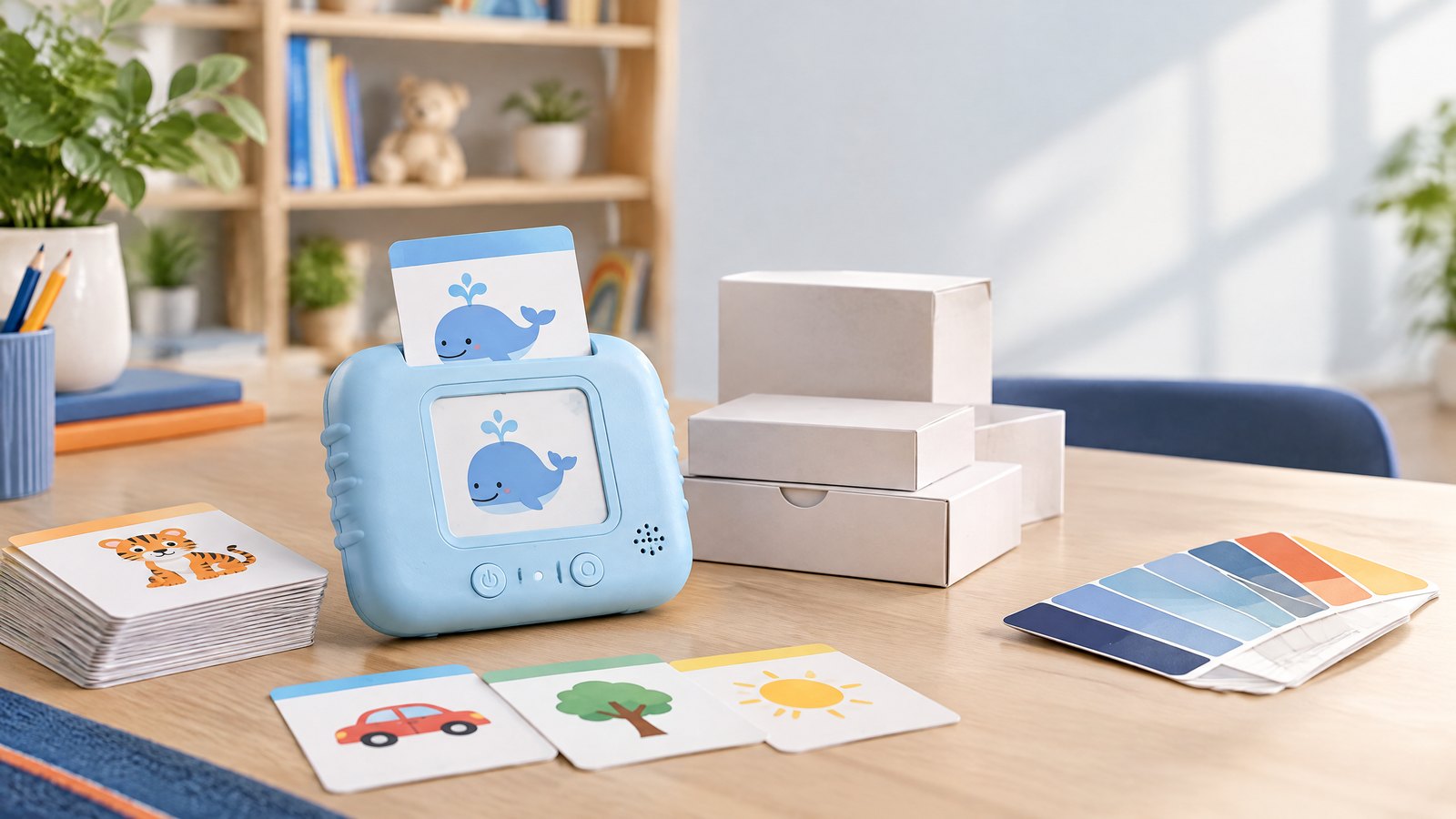
Good formats can include simple outlines, visual scavenger prompts, name-writing, symbol copying, or themed drawing. The product application should fit the venue: a nature centre may use animal-shape cards; a transport museum may use vehicle silhouettes; a hotel family corner may use general drawing prompts. Keep language, age position, and illustrations appropriate for the destination audience.
If cards are used with a transparent or tracing-style model, test visibility and fit with the complete final system. The transparent tracing guide provides a useful starting point.
2. Plan distribution, storage, and reset workflow
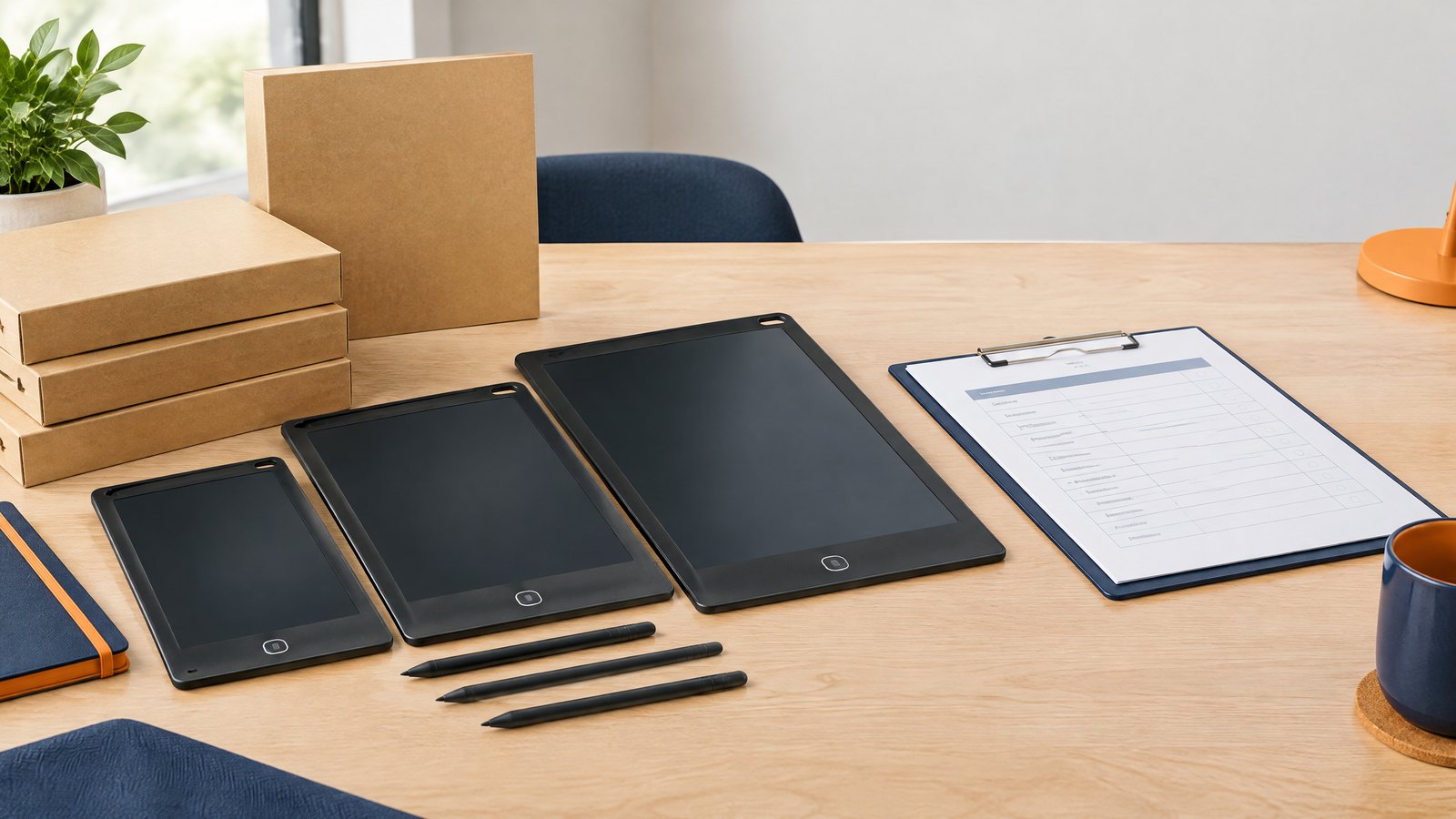
Installation preparation should answer who sets out boards, how many are available, where styluses are stored, how activity cards are managed, what happens when a board is returned, and how an old drawing is cleared. A simple activity counter can use numbered boards, a defined storage tray, a staff quick-start card, and a controlled stock of spare styluses.
Suggested routine:
- Staff places tablet, stylus, and activity card in the designated area.
- Visitor follows one concise activity prompt.
- Staff or visitor checks the erase lock status before clearing.
- Board is wiped/checked according to the venue’s normal cleaning routine and returned to storage.
- Missing stylus, damaged board, or unclear card is logged for follow-up.
The exact cleaning approach depends on the final product materials and venue policy. Do not apply cleaning chemicals without confirming compatibility with the selected housing and screen.
Mid-article CTA
Planning a visitor or family activity program? Send your requirements with venue type, activity idea, target market, user group, preferred size, card/accessory needs, quantity, and pack format. We can help prepare a sample activity set.
3. Choose the right format and accessory set
Size affects writing room, portability, storage, and replacement cost. A compact board may suit individual, short activities; a larger board may work for a shared table but needs more shelf and pack space. Test a representative user activity rather than selecting on a nominal diagonal only.
Accessory choices should follow the workflow: secure stylus storage, controlled cards, a pouch or tray, stand if used, quick-start insert, and spare components. The accessories guide explains how to treat these as a full-bundle specification.
4. Sample approval with a real activity
Approve the actual activity card, tablet, stylus, storage/accessory, instruction, and packaging together. Check whether the screen is visible in venue lighting, whether a visitor can hold or place the board comfortably, whether the activity instructions fit the available space, and whether the erase/lock controls are clear.
For products intended or marketed primarily for children, the final configuration, packaging, instructions, accessories, and age position need appropriate market review. The CPSC children’s products guidance is a U.S. reference point; it does not replace final product-specific evaluation.
5. Factory testing and shipment inspection
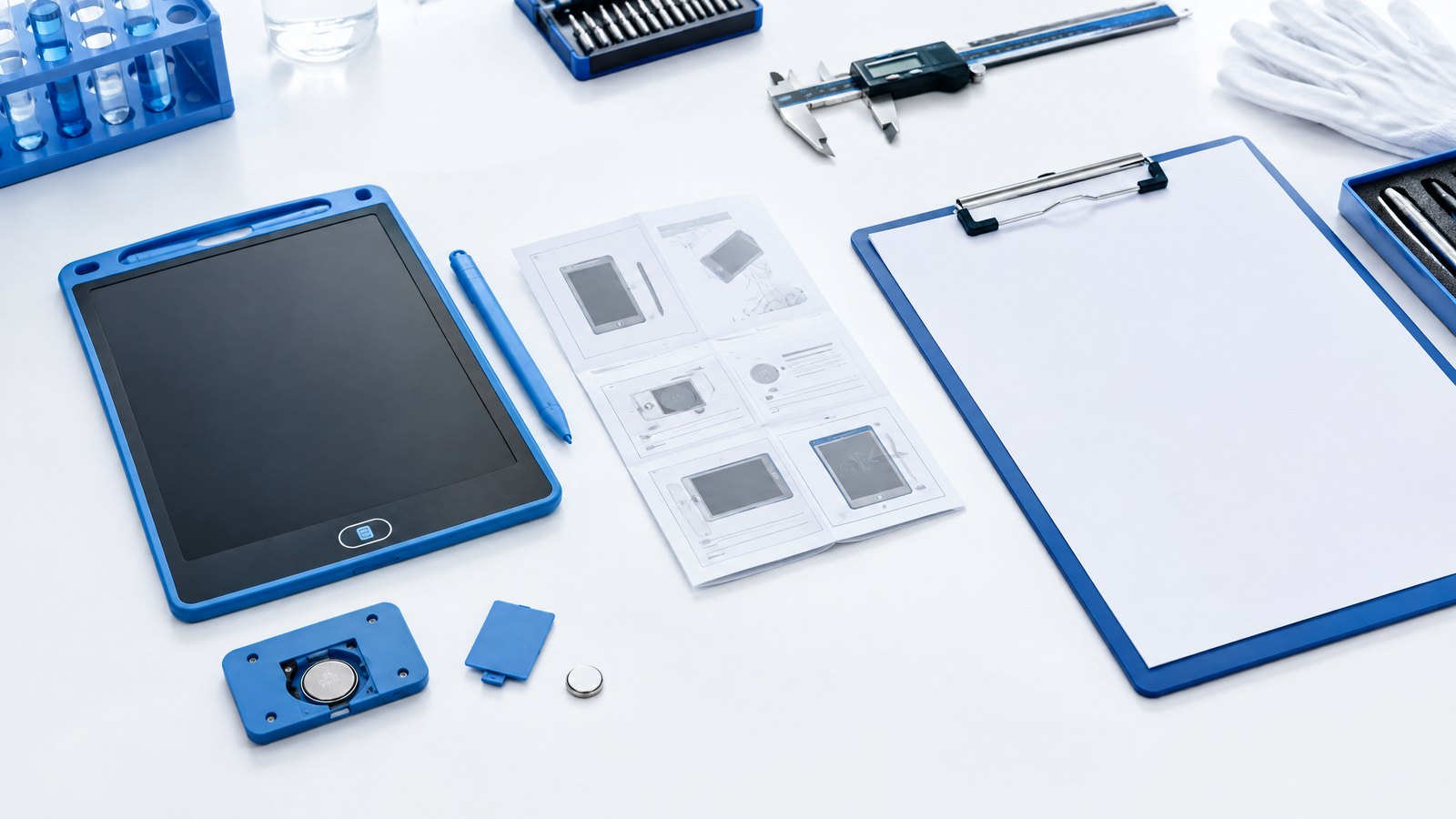
Factory testing should cover screen writing, erase/lock function, stylus fit, card or accessory fit, housing condition, pack contents, labels, and packaging assembly. A venue activity kit should be checked as a complete set, because a missing card or stylus can make the activity unusable.
Shipment inspection should compare finished units and packs to the approved sample. Check screen, controls, accessory/card count, instruction revision, packaging, carton quantity, and carton condition. If activity sets contain different language or theme versions, specify how each version is identified and sampled.
6. Support and replenishment
Visitor spaces experience repeated handling. Plan spare styluses, cards, pouches, or selected replacement boards based on usage and storage. Record model and revision information so a later replacement fits the program. The after-sales guide explains how to make service parts more manageable.
Use simple staff feedback: missing stylus, hard-to-read activity, unclear lock instruction, pack damage, or repeated screen concern. Review patterns before changing a component or activity design.
FAQ
Are LCD writing tablets suitable for a museum kids’ corner?
They can support short, reusable drawing or writing activities when the venue tests the activity, storage, stylus control, instructions, and final product fit for its intended users.
Can I create custom activity cards?
Often a program can use custom cards, but their size, thickness, print, language, fit, and storage should be approved with the final tablet and package.
How should boards be stored between visitors?
Use a defined tray, pouch, or storage location that keeps styluses and cards together. Build a simple reset and missing-part routine into staff operations.
What should the factory inspect?
Inspect writing and erase controls, stylus and card fit, accessory count, activity instructions, packaging, labels, and carton configuration against the approved full kit.
Conclusion
An LCD writing tablet can make a visitor activity easy to reset and repeat when it is part of a controlled kit. Start with a simple task, test the actual activity and environment, approve the complete product set, define storage and staff workflow, and inspect the final kits before shipment. The result is a more usable activity and a more manageable operations plan.
Final CTA
Contact us about a museum or visitor activity LCD writing tablet program. Include venue type, user group, activity concept, market, size, card/accessory needs, quantity, and packaging direction.
Turn this sourcing plan into a product brief.
Share your target market, product requirements, packaging preference and estimated volume for a practical OEM / ODM discussion.